










Features
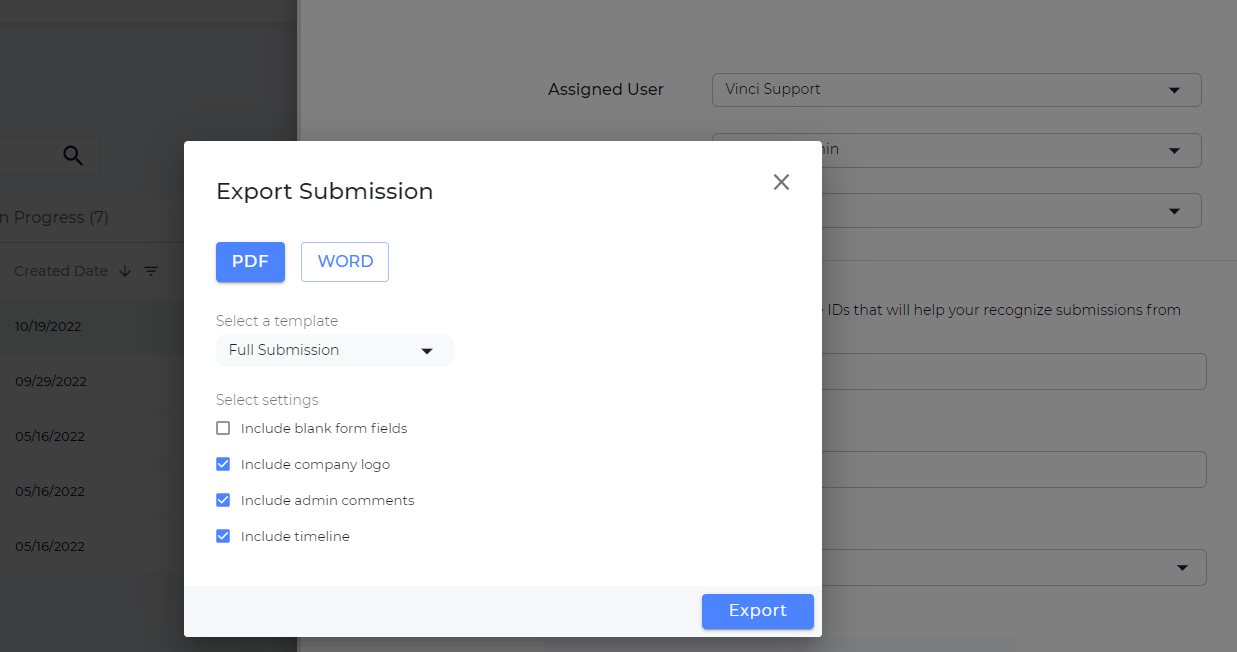
We’ve redesigned the export submissions experience to give you more options when exporting. You’ll now see settings for including company logos, admin comments, and a full submission timeline in your exports. To export submission, click into the submission you want to export >> click the 3 dots menu at the top right >> select export.
Bug fixes
- Fixed an issue where scoring fields did not work for numbers with decimals in them.
- Fixed an issue where file uploads were not working for certain file types (.msg and .docx)