









Version: 2.151.0
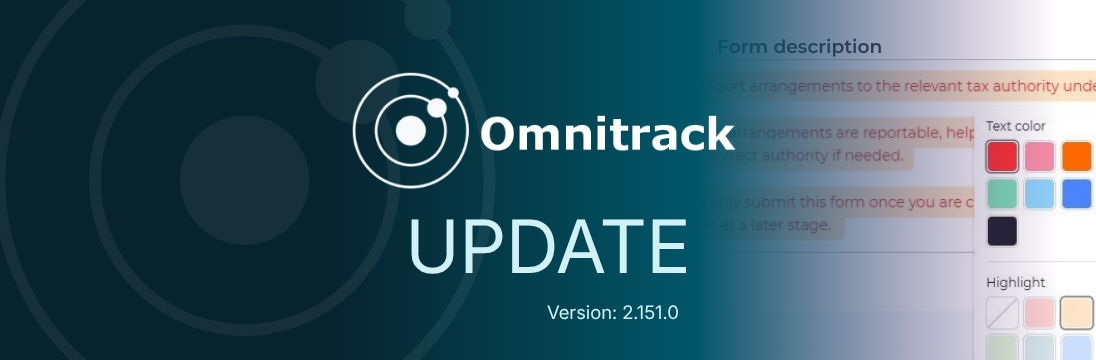
This release continues our form styling improvements with colour and highlight support for form titles and title descriptions. It also improves how data table column layouts are saved in the chart builder.
What’s new
Form title and description styling
Administrators can now apply colour and highlight styling to form titles and title descriptions in the form builder, building on the field title styling introduced in the last release.
This includes:
- Applying text colour or highlight styling to a form title
- Applying text colour or highlight styling to a form title description
- Keeping default styling unchanged when no style is selected
Styling applies to the full title or description only. Partial styling, such as changing the colour of only one word or sentence, is not supported.
Data table column layout in the chart builder
We’ve improved how data table layouts are managed in the chart edit builder.
When editing data tables and drill-down tables in the chart builder, column layout changes are now preserved. Resized and reordered columns, as well as columns added through the drill-down dialog, will be saved after navigating away, refreshing, or reopening the builder. This means users no longer need to repeatedly configure column layouts while editing.
Column layout changes are saved in edit mode only. They do not persist when resizing or moving columns in dashboard view, chart view mode, or the drill-down view.
Fixes
Submission Dates filter time unit update
We’ve fixed an issue in Reporting- Beta, where the time unit in the “Submission Dates” filter could not be changed.
Numeric field bulk upload fix
We’ve fixed an issue where bulk uploads were adding a default empty string to numeric fields.
User list scrolling
We’ve fixed an issue where the user list resets to the top while scrolling, making it difficult to access users further down the list.