










Version: 2.149.0
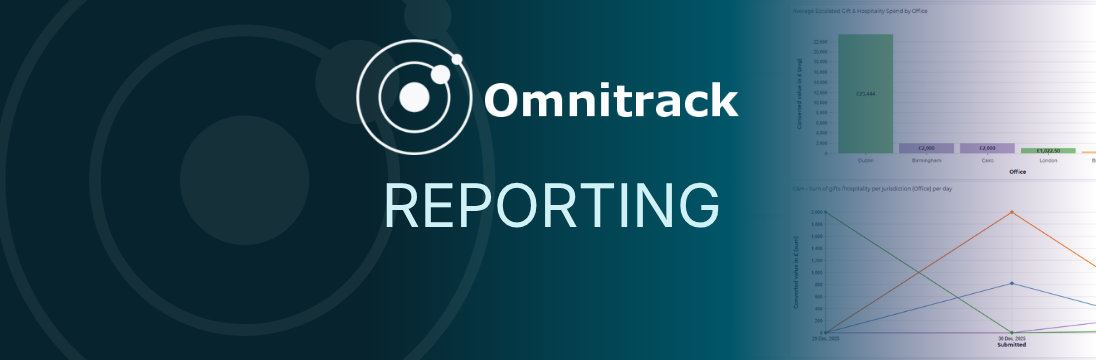
We’re introducing advanced Reporting in Omnitrack, a new reporting experience designed to help teams turn compliance data into clearer, more actionable insights.
With the advanced Reporting functionality, administrators can create more flexible charts and dashboards, apply advanced filters, and use improved visualisations to better understand activity, trends, submissions, and workflow data.
The new experience also makes it easier to share relevant reports with the right users, helping teams monitor progress, identify key information, and support management reporting more effectively.
What’s new
- Improved visualisations that make reporting data easier to understand at a glance
- The ability to bring multiple charts together into unified dashboards
- Advanced filtering to help teams focus on the most relevant information
- More flexible dashboard and chart creation settings
- Support for richer reporting use cases across workflows and submissions
- Controlled report sharing, so users only see reports that have been shared with them
Supporting a smooth transition
A new Report Beta tab is now available to administrators in Omnitrack across the top of your screen. This new tab will become visible to end users only once a report has been shared with them.
You can continue using existing reports alongside the new reporting experience during the transition. The Omnitrack Support Team ([email protected]) can provide demos, migration support, and guidance on recreating or improving reports.
The existing reporting experience will only be retired once your team is comfortable and fully migrated.